Modern web applications require favicons across a dozen different screen sizes, operating systems, and bookmark managers. OmniTool Hub's Favicon & App Icon Suite converts any logo image or SVG into an authentic multi-directory `.ico` binary, Apple Touch 180x180 icons, Android PWA manifest assets, and complete `
` HTML code in one click.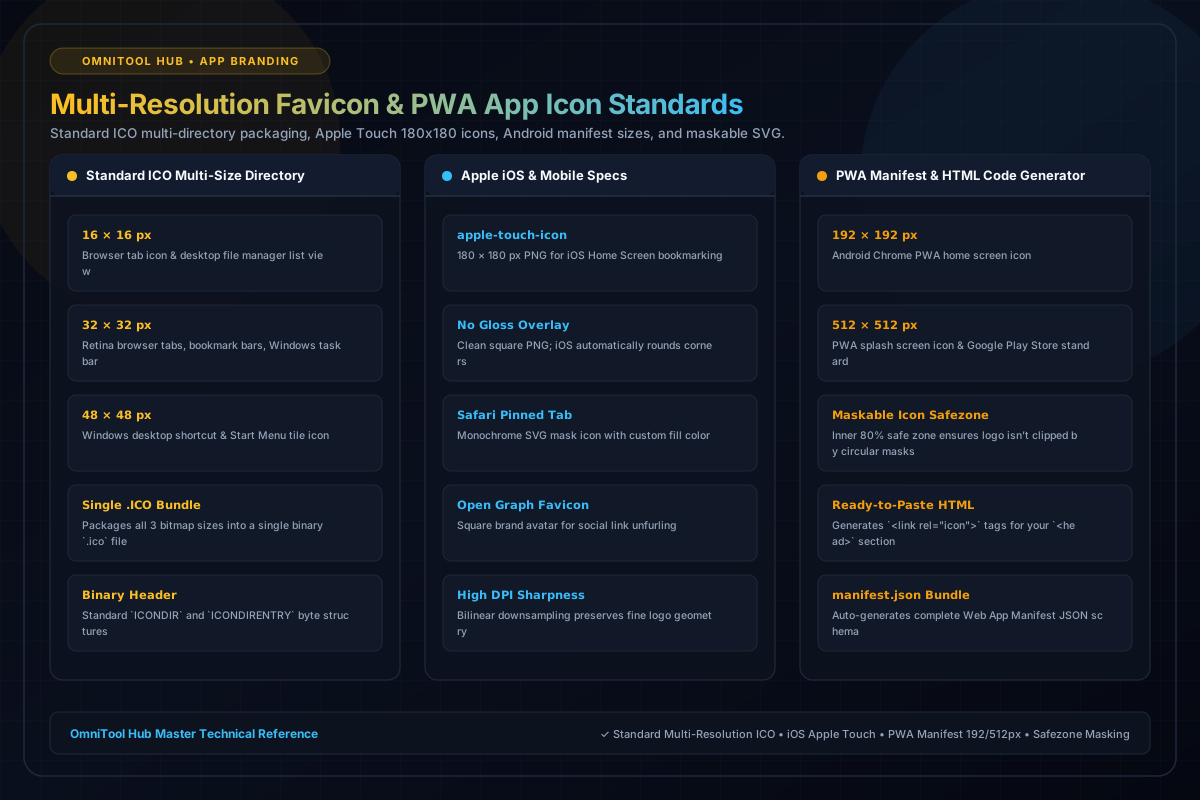
Supported Icon Standards & Bundles
Here is a detailed breakdown of the capabilities, algorithms, and configurations available within this tool suite:
Packages 16x16, 32x32, and 48x48 pixel bitmaps into a single binary `.ico` file recognized by all desktop web browsers.
High-resolution square PNG formatted specifically for iOS Home Screen bookmarking without gloss effects.
Generates 192x192 px and 512x512 px PNG icons with safe zone margins suitable for maskable Android app icons.
Auto-generates ready-to-paste `` tags and a complete `manifest.json` file ready for your web root.
Step-by-Step Usage Guide
- Upload your brand logo (PNG, JPG, SVG, or WebP).
- Adjust optional background padding, corner rounding, or transparent canvas fill.
- Preview how the icon renders in simulated browser tabs and mobile home screens.
- Click **Download Complete Favicon ZIP Package** to get all icon sizes and `favicon.ico`.
- Copy the generated HTML `` code block into your website's `` section.